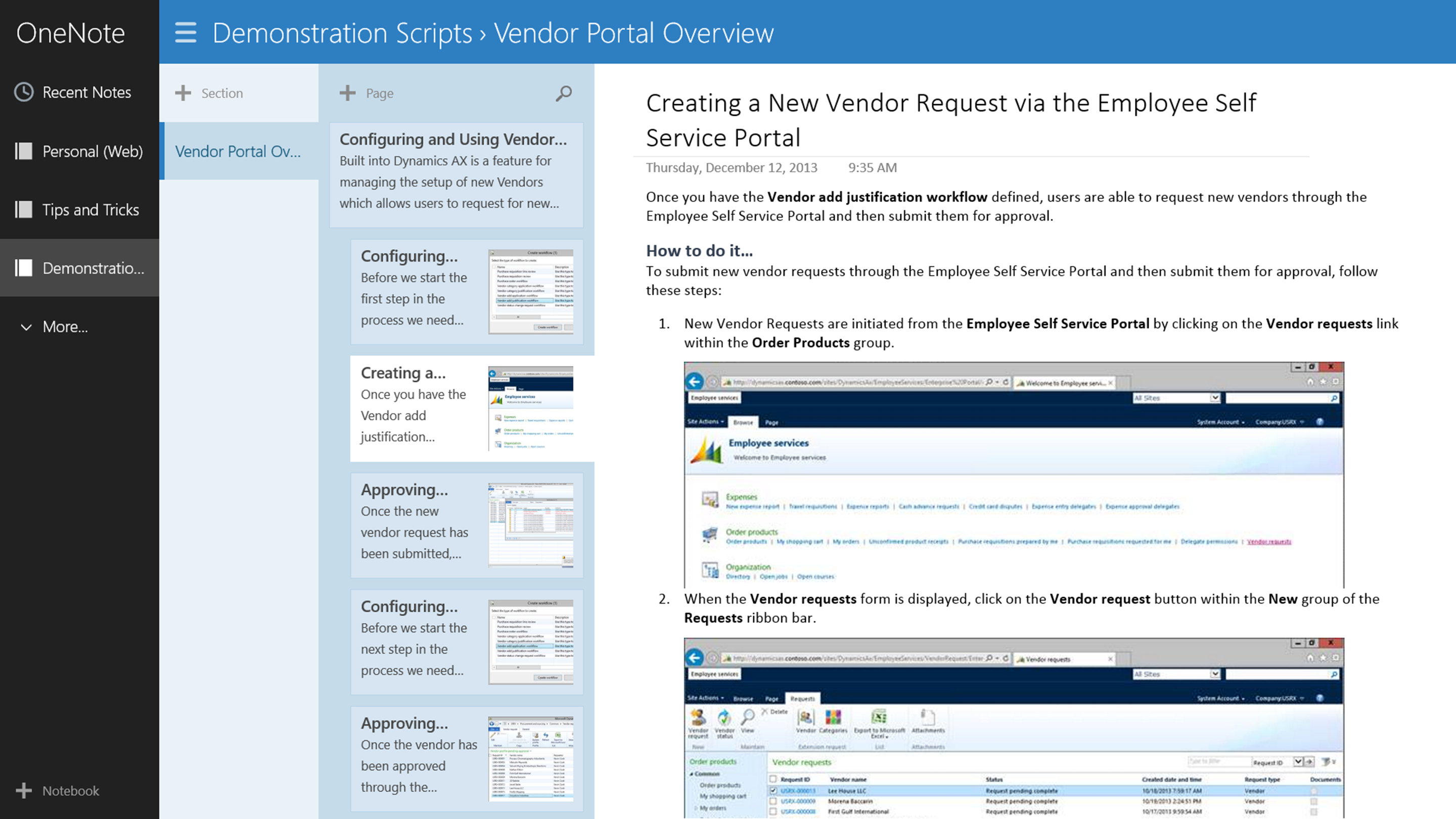
I can easily organize my demonstration scripts and then access covertly them through my Surface so that no-one knows I’m using cheat sheets 😉
I can easily organize my demonstration scripts and then access covertly them through my Surface so that no-one knows I’m using cheat sheets 😉
Sometimes you need to send someone a copy of all the data that you have on your current screen for reference. Although you can send them a screen shot, there is a much better option for you which is called an Autoreport. To create it, all you have to do is press CTRL-P and Dynamics AX will do the rest for you.
Autoreports are great because they will create reports on all of the data that you have in the query regardless of if you have multiple pages, they have hyperlinks back to the main data such as products making drilling into the information easier, and they are more secure since they can be delivered as PDF documents.
Forget the ALT-PRINTSCREEN key combination, and just remember CTRL-P.
Everyone uses Excel to prepare information for updates within Dynamics AX because it gives you a little bit more freedom as you are massaging the data. If you have the Dynamics AX Add-In for Excel installed on your computer then you don’t even have to key in the data once you have created it because you can create an Excel template that securely updates Dynamics AX from Excel.
In this example we will show how you can use the Dynamics AX Add-In for Excel to create a template for updating product costs and prices, which you can use for mass updates, or quick changes to the pricing without even having to touch the Dynamics AX client.
Here are all of the topics that are included in this blueprint:
The Dynamics AX Add-In for Excel is a great tool. For quick updates, or corrections of masses of data it makes like a breeze.
Give it a go.
One of the requests that I have always got after people have browsed and downloaded my posts from SlideShare is that the image quality has not been the best because SlideShare compresses the images when the post them. Another is that it is slow to download the slides, and with 100 slides in some of the presentations, this can be frustrating – especially if you are looking for some particular content. Even when I forward on the PDF, then you may not be able to quite make out the particular code or form within the document. Also, with some of the posts, there is a lot of content that I try to publish, and it may be a little overwhelming to see pages and pages of instructions on my blog posts.
So I am trying a different approach to help you all get the most out of Dynamics AX and wanted to pass on the details since at one point or another I have either talked to you, met with you, demonstrated to you, you have visited my blog (www.atinkerersnotebook.com), you have browsed my SlideShare account (www.slideshare.net/murrayfife) or all of the above.
Dynamics AX allows you to track the traditional contact details such as phone, fax, url, and email, but what if you want to also track social media accounts like Twitter. Although you could reuse one of the existing electronic contact types, it would be much better if you could have a dedicated contact type just for Twitter so that you can segregate out the data for reporting and analysis.
In this worked example I will show you how you can easily add a new contact type to Dynamics AX for Twitter, and also any other Social Media type that you may want to track. Read More
I was tipped off about a new add-on for Excel 2013 that Microsoft have just released called Power Query, so I had to take a look at it. As the name hints, this is the data query function on steroids, and it looks great.
The following walkthrough is an example of what I did. Read More
 A Tinkerers Notebook