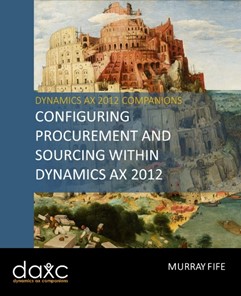
 I’m happy to say that I just finished the first of two books that I will be publishing on the Procurement and Sourcing module within Dynamics AX, and it is available for download.
The Procurement and Sourcing area within Dynamics AX not only allows you to manage and track all of the purchasing activities within your organization. It is also where you can manage all of your purchasing hierarchies, which allow you to organize all of your purchased products into more manageable groups. You can initiate purchase orders, manage the changes to the purchase orders, and even raise requisitions that can then work through approval workflows before you convert them into live purchase orders. All of these transactions then feed down into the Accounts Payable module, making the whole procurement cycle seamless.
Setting up the Procurement and Sourcing details are not hard either and this guide is designed to give you step by step instructions to show you how to configure the Purchasing area, and also how some of the basic parts work to get you up and running.
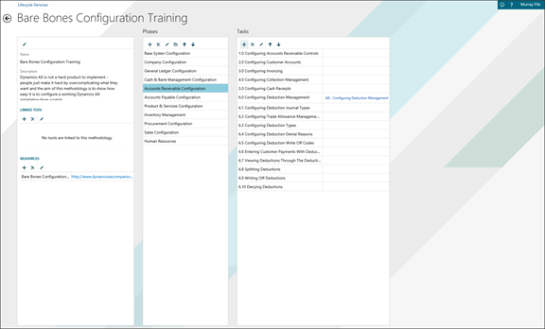
To help you all, I have published book #9 in the Bare Bones Configuration Guide series that lays the foundation for Configuring Procurement and Sourcing Within Dynamics AX 2012. The book covers all of these areas related to Procurement and Sourcing:
- Configuring Procurement and Sourcing Controls
- Configuring Procurement Categories
- Processing Purchase Orders
- Configuring Price Lists & Discounts
- Enabling Change Management On Purchase Orders
Hopefully this guide has given you a good foundation of knowledge of how the Procurement and Sourcing area of Dynamics AX works, and also some of the key features that are available for you that allow you to configure and manage your Purchase Orders.
We are still just starting you off on your journey through the Procurement and Sourcing module though. There is so much more that you can do including taking advantage of Requisitions, Requests for Quotation, Vendor Portal Management, Vendor Score Carding and even Vendor Onboarding, which we did not have space for in this guide. If you are interested in these topics then look for the second book that we will be releasing which will explain these more advanced features within the Procurement and Sourcing area of Dynamics AX.
If you want to get a printed copy of the book, or if you want an easy way to download a PDF copy then you can now get it from Blind Squirrel Publishing. For a limited time only you will get an additional 10% discount off the standard list price of this title. How generous is that? Just follow this link and it will take you directly to the book details.

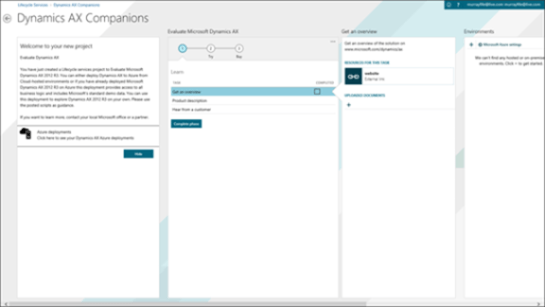
If you want more information on this book then you can check it out on the Dynamics AX Companions website by clicking on the book icon below::
I hope this is useful, or at the very least interesting and don’t hesitate to drop me a note if you have any comments or suggestions on other cool things to do with AX.