A lot of social media and search sites have the option to output the results as RSS feeds as well as the normal human readable version. PowerPivot has the option to use XML feeds as the source for its’ data sources. It just makes sense to marry the two features together and create Power View dashboards that summarizes the live feeds so that we can start analyzing the searches that we are interested in.

In this walkthrough will show you how easy that is to do.
Read More

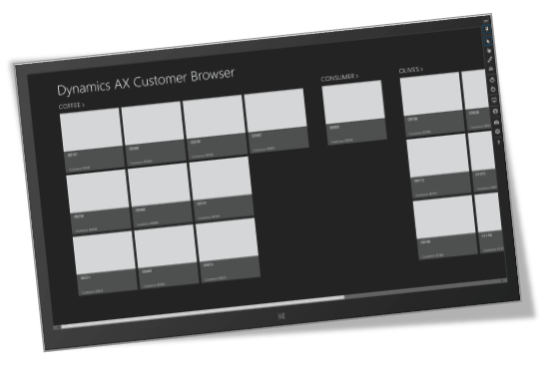
Dynamics AX comes pre-packaged with over 40 standard role centers for a lot of the normal user types that you would expect to see within an organization – CFO, Salesperson, AP Clerk, etc. But what if you have unique roles within your organization that don’t fit the standard roles. Wouldn’t it be nice to create your own?

In the following walk through we will show you how to do just that.
Read More

Just to mix things up a little, this week’s book club post has nothing to do with ERP, or Dynamics AX, and is the fourth book in the Hitchhikers Guide to the Galaxy series written by Douglas Adams. If all you know about this series is from the 2005 movie, then shame on you, and shame on the makers of the movie. Dust off your VHS player, and at least watch the original BBC version that you can buy here http://www.amazon.com/Hitchhikers-Guide-Galaxy-VHS/dp/B00005YUQP/

Read More

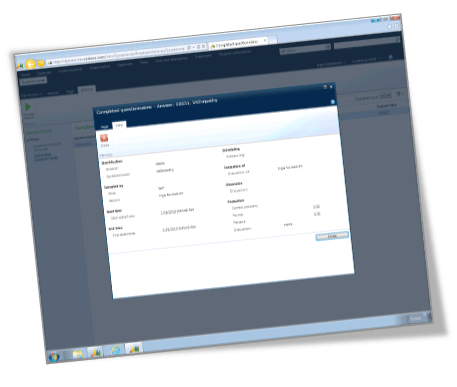
Questionnaires are a great way to gather information, and Dynamics AX 2012 has a great feature that allows you to create your own questionnaire formats for employees, vendors, and customers that can either be filled out through the self service applications, or delivered by an agent such as a CSR in conjunction with call lists.In this example we will show one of the ways that questionnaires can be used, and create an employee questionnaire to weed out some troublesome individuals.

Read More

The Enterprise Portals are quick and easy ways that you can publish information out to the users using SharePoint so that they can have a single place to analyze the business, and also to access information on the go through tablets or web browsers.  Bus sometimes you may find that there is information in Dynamics AX that is not available through the standard Enterprise Portal controls.

In this worked example we will show how you can easily create your own custom user data controls for Dynamics AX that you can add to existing SharePoint portals, and also to Role Centers to add that last bit of information that you may want to see.  And all without a single line of code. Read More

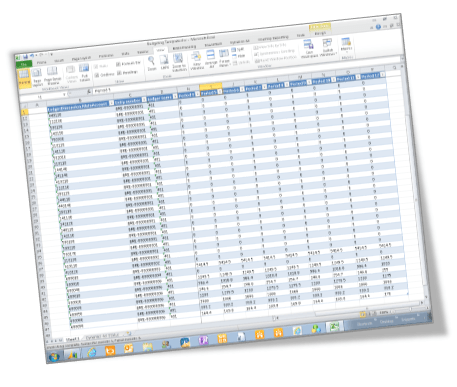
The Dynamics AX Excel Add-In is great for updating data through a familiar tool, and in a previous post I showed how you could use it to update budgets within Excel. Although a lot of the time when you are adjusting budgets, you may not want to see every period’s postings one by one.

In the following worked example, we will show how you can use a feature in the Excel Add-In to create summary fields that allow you to update multiple records within the database at once, and then show how you can use this same feature to create a tabular style budget maintenance form within Excel to make the budget updates even easier. Read More

The Excel add-in for Dynamics AX is a great tool for getting data from AX into Excel for reporting and analysis. But if you set up your document services the right way then it becomes more useful by allowing you to publish data back into AX directly from the Excel spreadsheet.

A while ago I came across a blog post by Becky Newell on Importing a Budget via the Excel Add-in and thought that it would be a good exercise to recreate her example, and get it working for myself. Read More